FREE
SCREEN SAVER
FREE
SCREEN SAVER
A gift for you from Helena P. Schrader
Screen Saver
Photos
What
is a screensaver?
Screen savers were originally
designed to stop image burn on computer
screens. However, most modern computers can now turn the monitor off after a
period of non-use, and that's to be encouraged if the computer is going
to be left on for any long period. Now screen savers tend to be used to
hide the screen while you're away from your desk, or to display some
interesting image or message while the computer is not being used.
Requirements
for the screen saver on this page:
This
should work with any PC (sorry, Mac users, maybe
later we'll get some for you). It does not use
DirectX and so requires no special screen drivers. The faster your PC,
the smoother the results, but it's been designed to work well with
older computers as well as faster, newer ones.
Save
the
screen saver by right-clicking on the link below. This
will allow you to save the
file wherever you wish. File size is approximately 2.5MB.
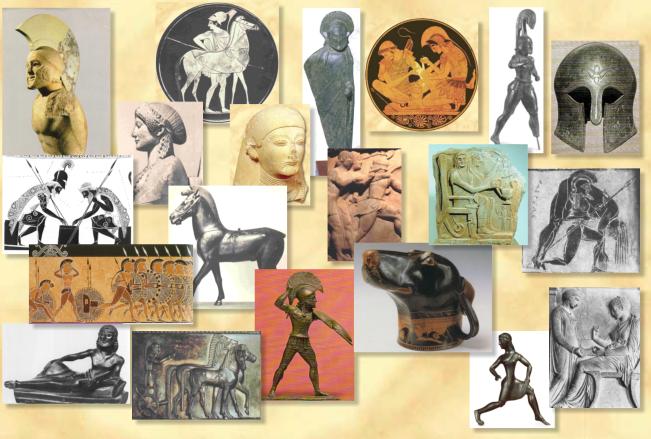
GREEK
ART SCREEN SAVER
©
Helena P. Schrader
Created
by Crystal
Cloud Graphics
Then to
install the
screensaver, open your file manager and find where you saved the above
file. Double-clicking the file name will open this file with a .zip
file utility. Inside the .zip file you will find an .exe
program (GreekArtInstall). Just double-click it to install
and follow the
directions on the screen. This screen saver was not created
with
any malicious adware or spyware (or even friendly ware *wink*).
There
is an "uninstall" program imbedded into the screen saver.
To
select a screen saver, or to change how
long it takes to appear you need to change settings within
Windows. To
find these settings, right-click on your desktop and then select
“properties” followed by “screen saver.” Alternatively, go to your
control panel, double-click the “display” option, then select “screen
saver.” Consult your Windows help for further information.
If you have
problems or questions, please
write the creator of the screen saver Kythera Ann.
Creating
your own screen savers:
Would you like to create your
own screen savers? It is very easy! Crystal Cloud
Graphics recommends this inexpensive program for all
beginners. Just click on the button.